
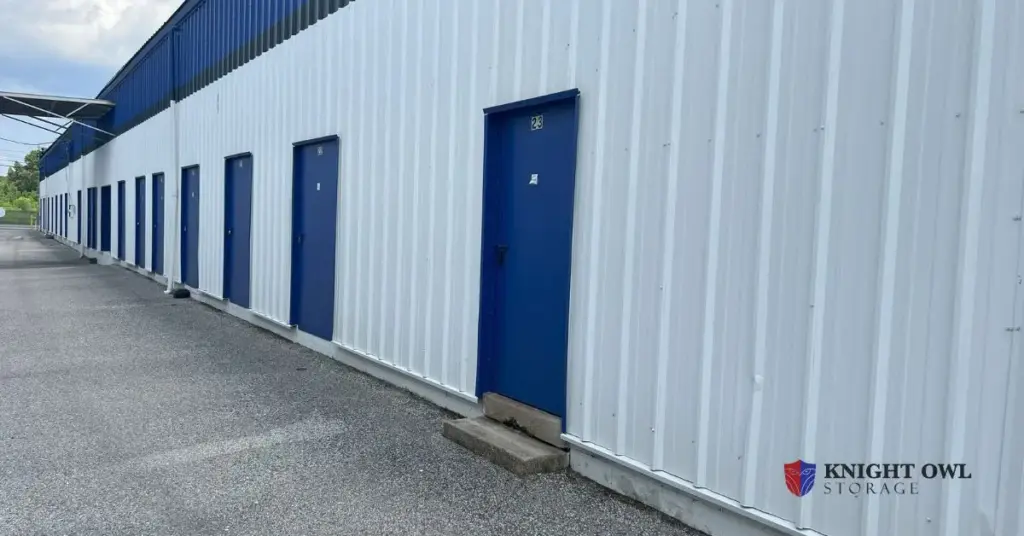
If the item you need is behind three rows of boxes, a quick storage visit can turn into an afternoon of unloading. Convenient access is most useful when the unit is organized around how you use its contents.
To organize a drive-up storage unit, plan around retrieval rather than trying to fill every available inch. A thoughtful layout can make room for your belongings and the visits you expect to make.
Here is a practical approach for items that come in and out regularly.
Confirm that non-climate storage fits your belongings
Before planning the layout, check whether the unit type is appropriate.
Knight Owl’s non-climate storage includes drive-up units at both Hwy 90 and Beltline. These units do not offer the temperature and humidity management provided by climate-controlled storage.
Consider the materials you are storing and how they respond to temperature and humidity. For sensitive belongings, review climate-controlled options before choosing.
Also check what is permitted. Do not assume that fuel or chemicals can be stored alongside equipment. Ask the team about any item you are uncertain about.
Sort by frequency of use
Create three groups: items you use regularly, items you need occasionally and belongings you expect to leave untouched.
Place frequently used items near the entrance, occasional-use items farther inside and belongings you rarely need toward the back.
Think about what you will actually carry out. If you usually retrieve an entire container of decorations, keep it together. If you need individual pieces, avoid burying them in a box that must be emptied every time.
Create clearly defined zones
Give each category a consistent place. You might have one area for seasonal decor and another for sturdy household overflow.
Create a layout you can follow without relying on memory. Use a simple sketch to mark each zone and keep it with your inventory.
When putting items back, return them to the same zone. An organized unit becomes difficult to use when each visit ends with a new pile near the door.
Leave room to reach the back
If the unit size allows, leave a walkway rather than packing everything tightly from wall to wall.
Position frequently used containers so you can remove them without disturbing a tall stack. Keep heavy boxes low and avoid balancing awkward items where they could fall during retrieval.
Consider access space when discussing unit size with the team. A unit that holds all your belongings may still be inconvenient if you cannot easily reach them.
Label for quick identification
Mark boxes on more than one visible side with the contents. Number them if you have several similar containers.
Your inventory can identify “Box 4: patio accessories” without listing every item individually. Update it whenever you permanently remove belongings from the unit.
Knight Owl’s moving supplies include markers and labels. Choose labeling that remains readable in your planned layout.
Reset the unit after every visit
Take a few minutes to return containers to their designated positions. Remove empty packaging rather than allowing it to use rented space.
If you regularly struggle to reach a particular group, adjust the layout. Your storage arrangement should change when your needs change.
For more preparation guidance, review Knight Owl’s storage tips.
Arrange storage around your routine
Drive-up units are offered at Knight Owl on Hwy 90 and Knight Owl on Beltline. Call (251) 278-3051 for Hwy 90 or (251) 278-3001 for Beltline to discuss your storage needs, request pricing and check unit availability.
Frequently Asked Questions
What is the best way to organize a drive-up storage unit?
Group belongings by use and keep frequently needed items near the entrance. Label containers and leave a retrieval path where space permits.
Are drive-up units climate controlled?
Knight Owl’s drive-up units are listed under non-climate storage. Review its separate climate-controlled options for sensitive belongings.
Should I fill all the floor space?
Plan for access as well as capacity. A walkway may be worth the space if you regularly need items from the back.
How do I keep track of stored items?
Use numbered containers and a simple inventory. Update the list whenever you add or remove belongings.